Amazon FBA & Fulfillment
FNSKU Labeling Mistakes That Get FBA Shipments Rejected
FNSKU labeling seems simple until it isn't. Small mistakes in placement, resolution, or matching are the most common reason otherwise-perfect shipments get flagged at an Amazon fulfillment center.
3 min
read
·
An article by

Co-founder & CEO
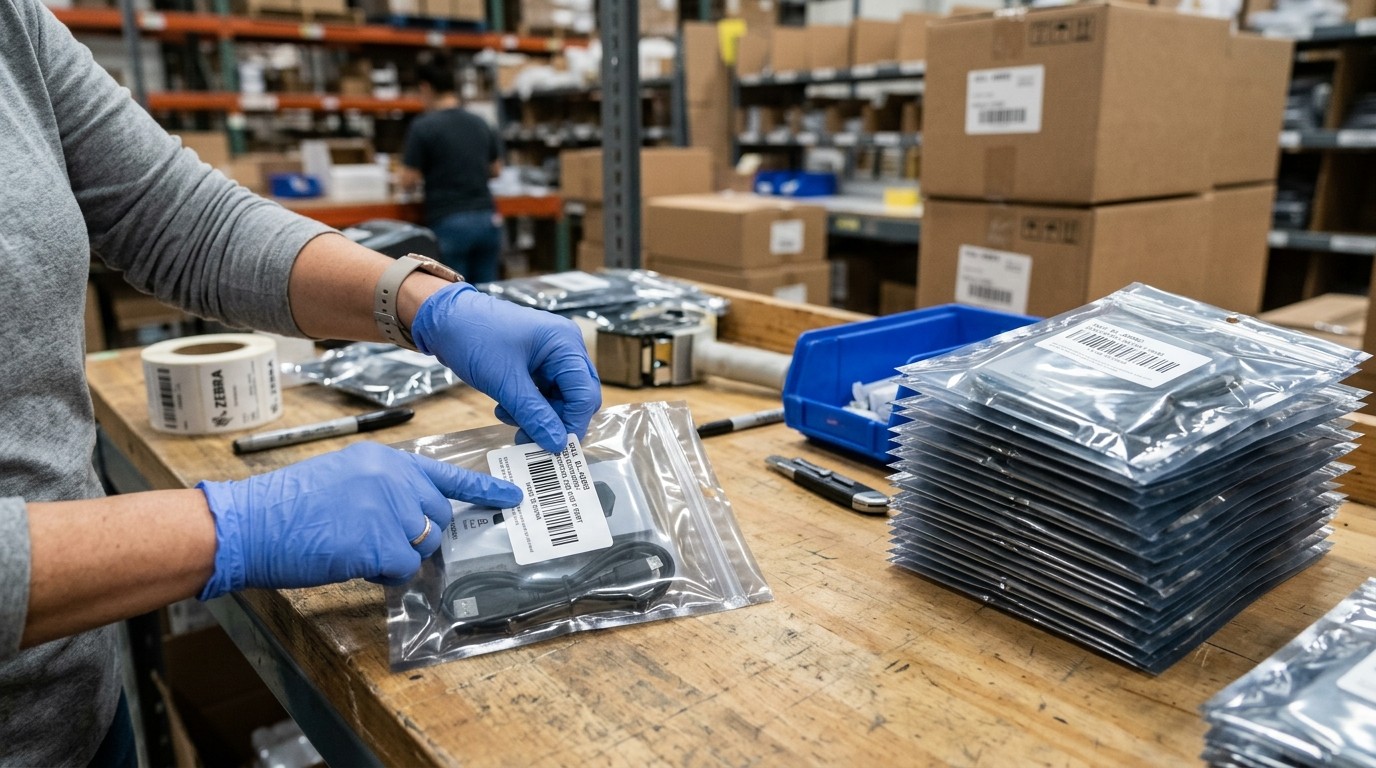
Applying the FNSKU label directly over the manufacturer barcode instead of fully covering or removing it - Amazon's scanners can pick up the wrong barcode if both remain visible.
Using a label size or placement that doesn't match Amazon's flat, non-curved surface requirement - labels applied to rounded or textured surfaces often fail to scan reliably and get flagged.
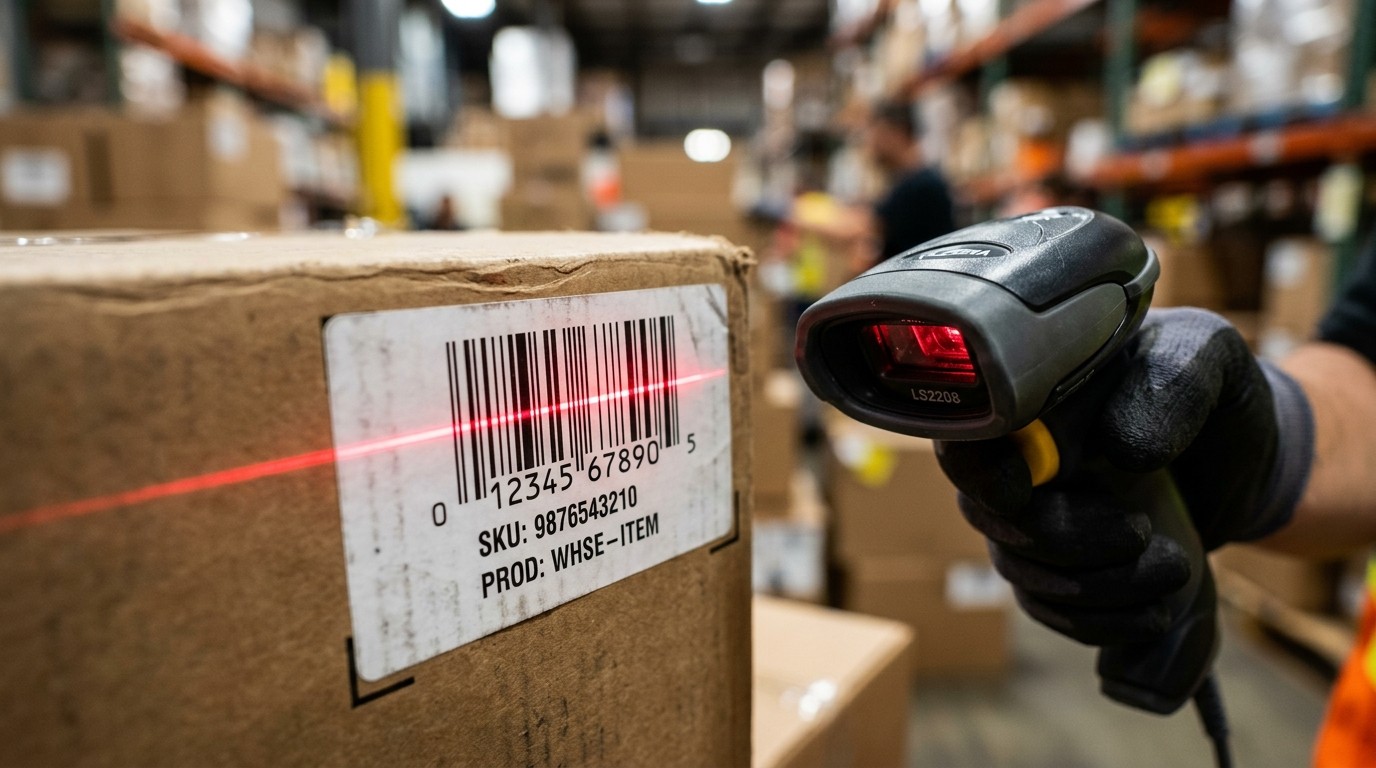
Printing labels at the wrong resolution, which produces barcodes that don't scan cleanly once the carton reaches the fulfillment center.
Mismatching the FNSKU printed on the label with the SKU actually inside that unit's packaging - an easy error when prepping multiple product variations in the same run.
Missing the separate Transparency code for products enrolled in Amazon's anti-counterfeiting program - this code is required in addition to, not instead of, the FNSKU, and mixing the two up causes receiving errors.
The fix is process discipline, not new tools: print at the correct resolution and size, and apply every label to a flat surface rather than a curved or textured one.
Run a spot-check scan before cartons are sealed, and verify FNSKU-to-SKU matching against the shipment plan before anything leaves the facility - this is standard procedure in our FBA prep workflow precisely because these mistakes are common and avoidable.